store / aetherkey-pro
AK-PRO-01 · Onyx · Batch 3
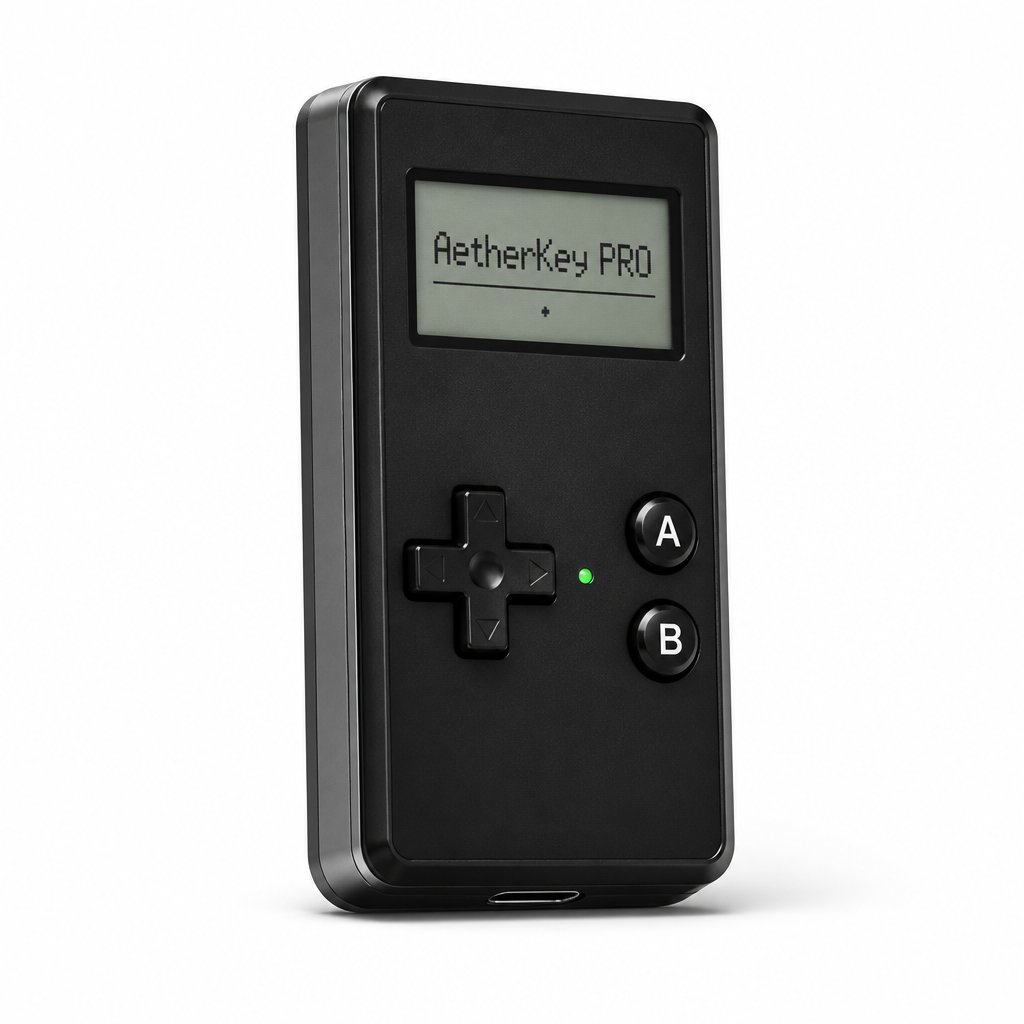
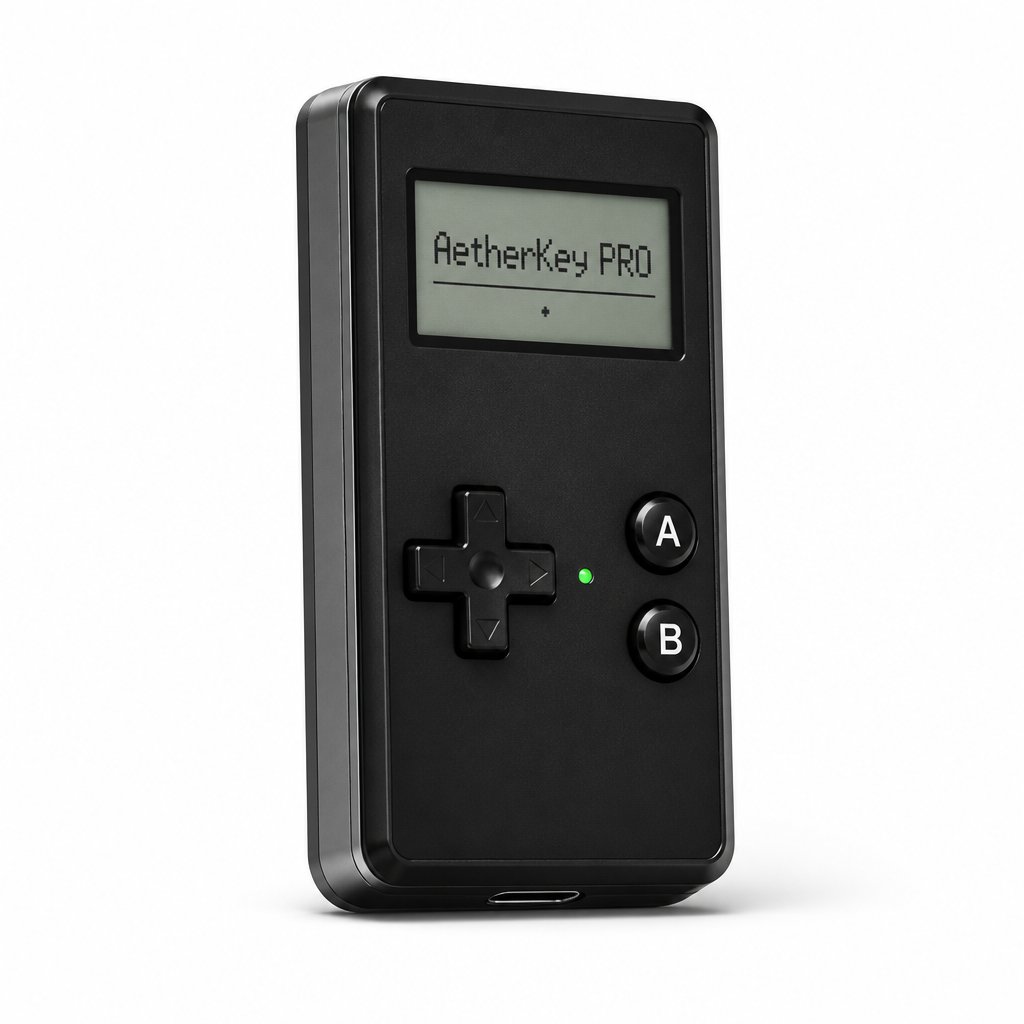
AetherKey Pro · onyx edition
The same radios, the same tools — with every door unlocked. Open firmware, the AetherSDK module API, the community registry, populated expansion pads and full debug entry. This one is yours to rebuild.
$189
USD · free shipping · source access included
In production · Batch 3 · ships worldwide from October 2026
2-year warranty · 30-day returns · firmware source access for owners
- Everything in Regular — all radios, all stock tools, app & web panel
- Compile and flash your own firmware — ESP-IDF / Arduino / PlatformIO
- AetherSDK: the same module API the factory firmware is built on
- Signed community module registry — .AEM capability packs, sideload from device or app
- Populated expansion edge pads — I²C, GPIO, UART0 · Qwiic jumper kit included
- USB / UART / JTAG debug entry · schematics & board files for owners
Everything in AetherKey Regular
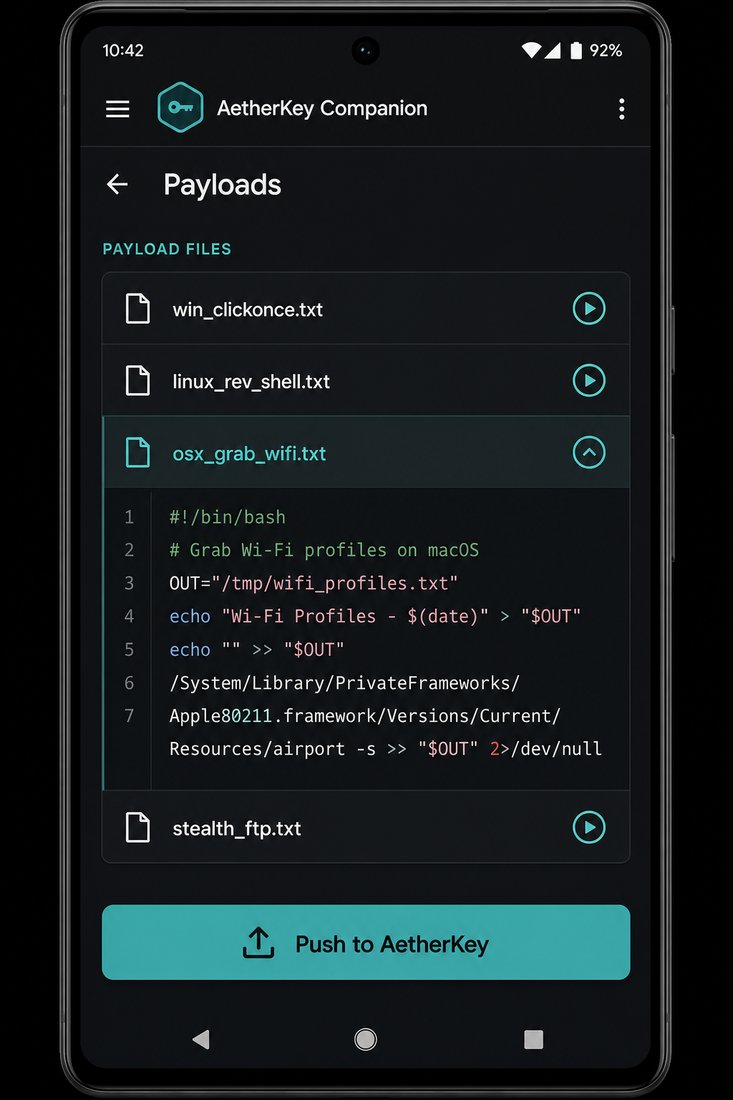
- DuckyScript payload engine — run-on-plug in under 900 ms, Aether extensions
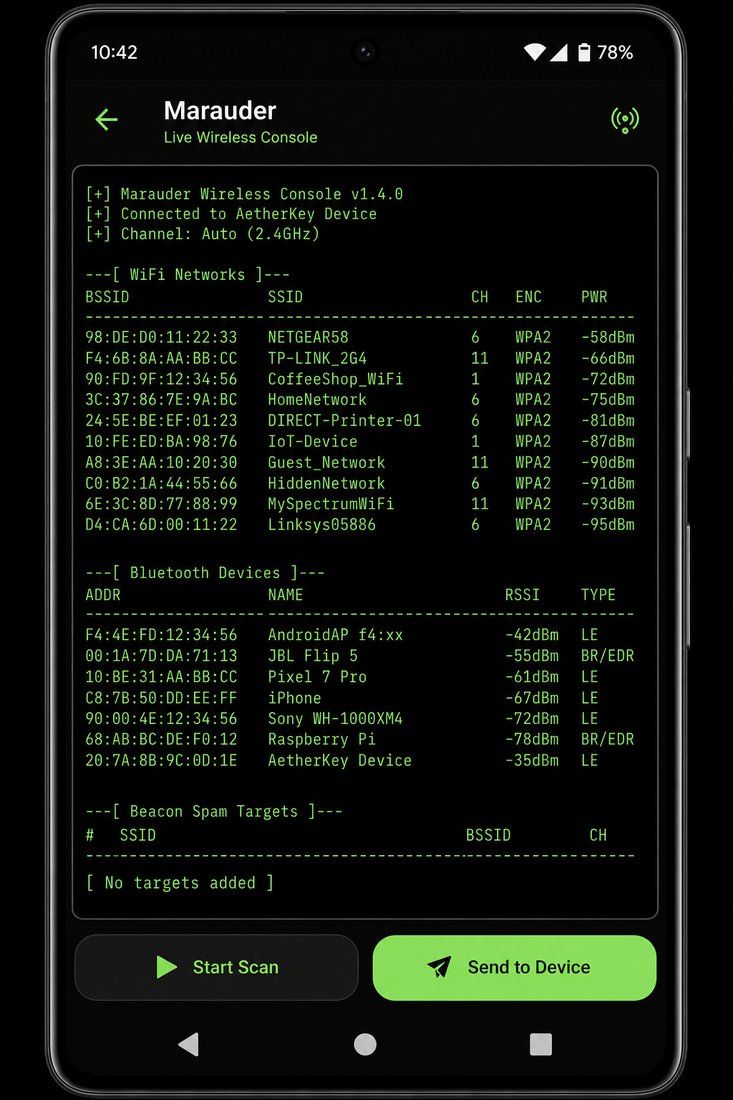
- Full Marauder Wi-Fi suite · PMKID / EAPOL capture · evil portal · BLE tools
- NFC read / write / emulate · sub-GHz capture & replay · IR library + learning
- Android companion app + zero-install browser web panel
- 16 GB microSD bundle · hash-chained engagement logging · OTA
Open firmware
- Full AetherCore OS source for owners — FreeRTOS modular runtime, source-available licence
- Build with ESP-IDF, Arduino or PlatformIO · unsigned image flash over USB
- Secure boot configurable — keep it locked to signed builds, or unlock for development
- Schematics, board files and mechanical drawings included
- First-boot responsible-use agreement survives firmware changes
AetherSDK · module API
- The same module interface the factory firmware uses — no secret APIs
- C/C++ modules with menu integration, event hooks and OLED draw access
- Radio abstractions: Wi-Fi, BLE, NFC, sub-GHz and IR from one interface
- Simulator target — run and debug your module on desktop before flashing
- Module templates and examples in the SDK repo
Community module registry
- Signed .AEM module packs — capabilities installable from the device or the app
- Registry browser on-device · dependency & capability manifest checks
- Publish your own modules to the registry from the SDK
- Module sandbox limits — a bad module can't brick the stock tool set
Hardware expansion
- Populated expansion edge pads: I²C, spare GPIO, UART0
- Qwiic jumper kit in the box — add sensors, GPS, external radios
- USB / UART / JTAG debug entry points
- 3D-printable accessory STLs published (backpack shells, antenna mounts)
Physical
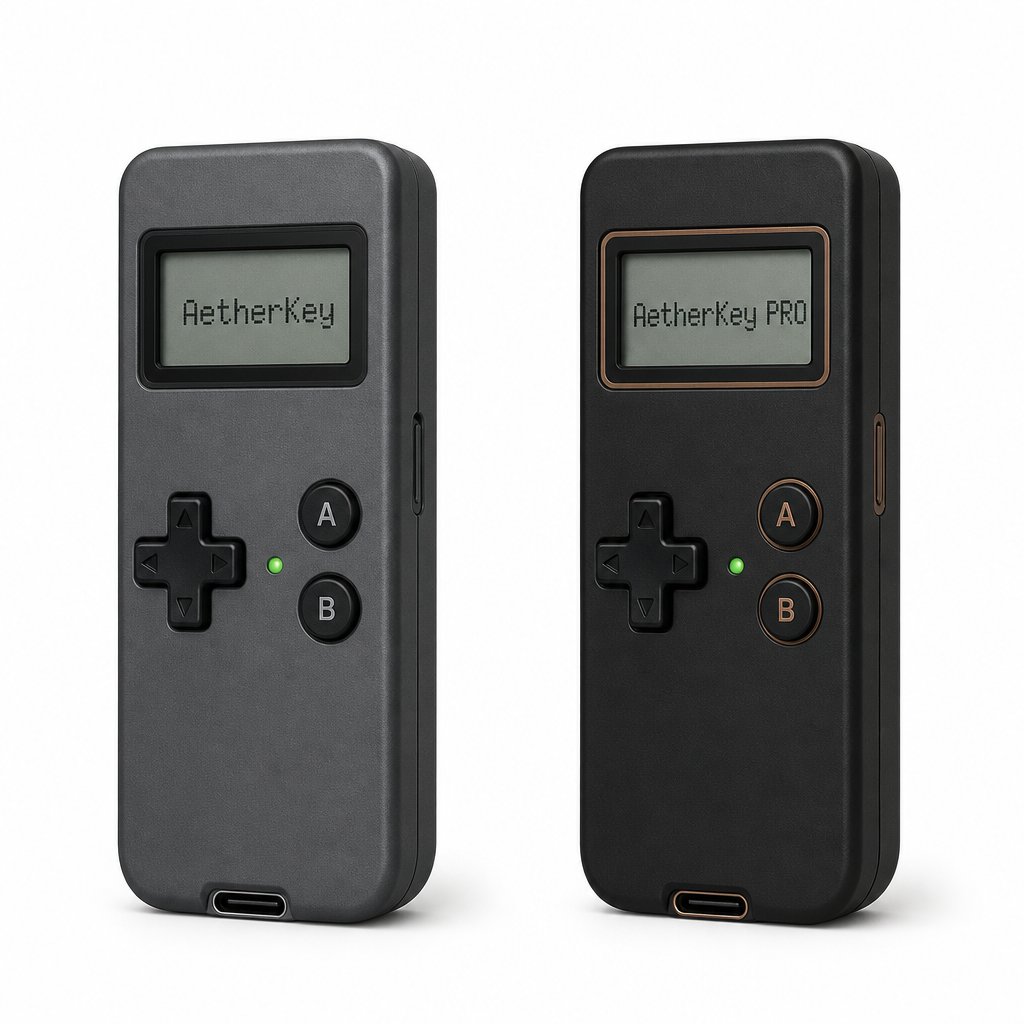
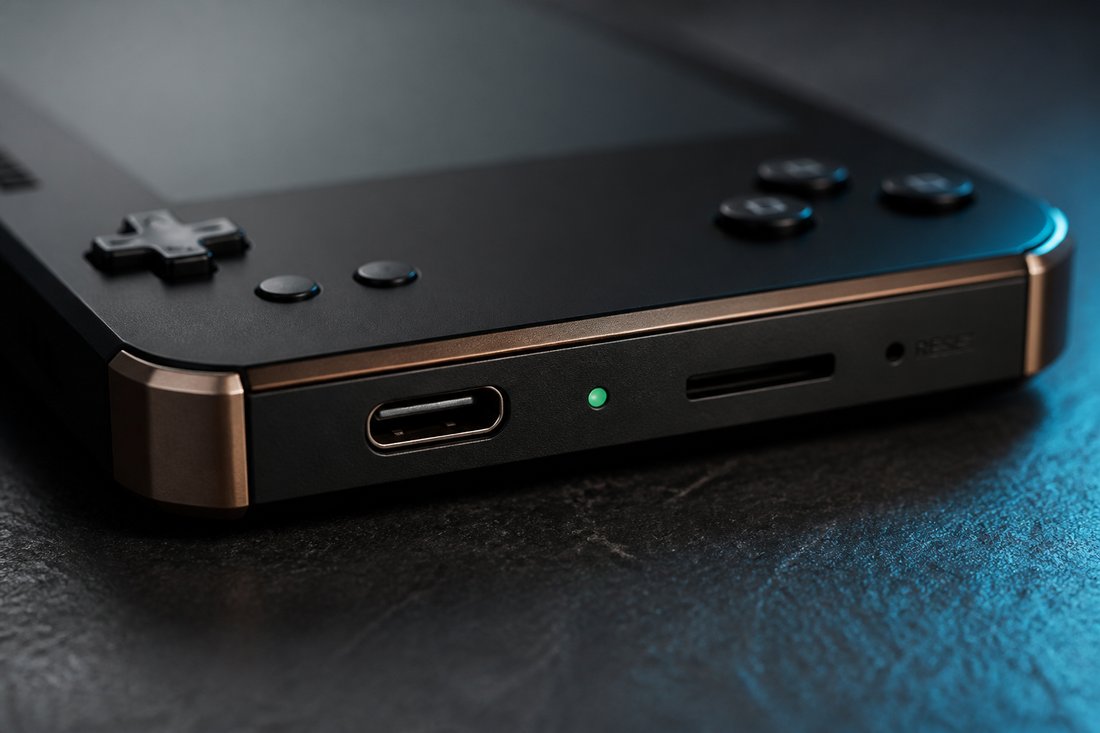
- Onyx-black shell with bronze anodized accents · Torx T3 service entry
- Same 102×38×27 mm, 118 g, IP54, 12 h active battery as Regular
- Serial-number badge on the rear — each Pro is individually logged
Regular vs Pro — the doors
- Stock tool set (payloads, Marauder, NFC, sub-GHz, IR) — both editions, identical
- Custom payload scripts & libraries — both editions
- Custom compiled firmware — Pro only
- AetherSDK & module development — Pro only
- Community .AEM module packs — Pro only
- Expansion edge pads populated — Pro only (unpopulated on Regular)
- JTAG / UART debug entry — Pro only
- Schematics & board files — Pro only
Why lock the Regular at all?
Because most engagements don't need a compiler — they need a tool that behaves on Monday exactly the way it behaved when you certified it on Friday. The Regular's locked channel is a feature: managers can issue it, auditors can trust it, juniors can't brick it. The Pro is for the people who build the tooling those teams run.
One upgrade path exists: Pro owners can flash the signed stock image any time and get the Regular behavior — the hardware is identical, the doors are the difference.
AetherKey Pro — onyx
- AetherKey Pro device (AK-PRO-01, onyx shell, bronze accents)
- Qwiic jumper kit — 4-pin cable + breakout for expansion pads
- USB-C to USB-C cable (1 m) — data, charge & flashing
- USB-C → USB-A adapter · USB-C stub cable for key-mode
- Torx T3 service driver
- 16 GB microSD — payload library, SDK docs, module templates, offline reference
- Quick-start card · responsible-use agreement card
- Neoprene slip case · serial-logged ownership registration
- Source-access entitlement (schematics, board files, firmware repo)
Compute & memory
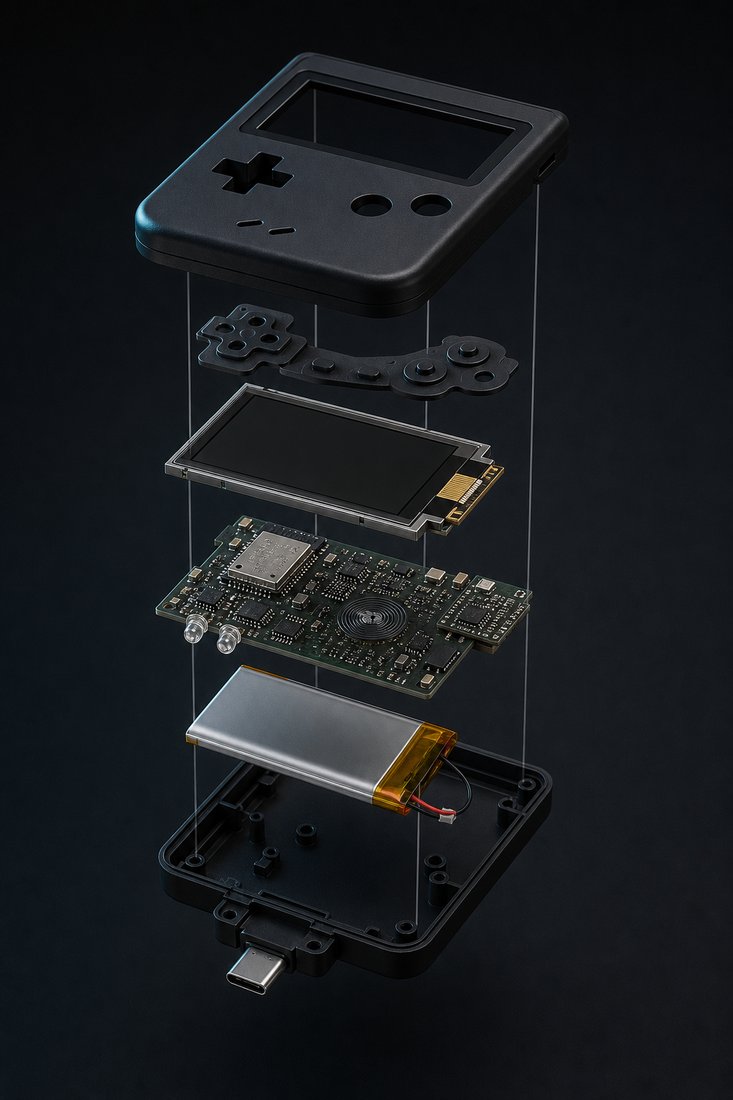
- SoC: ESP32-S3-WROOM-1-N8R8 — dual-core Xtensa LX7 @ 240 MHz + RISC-V ULP
- 512 KB on-chip SRAM · 8 MB PSRAM · 16 MB flash
- Hardware AES / SHA / RSA / RNG crypto accelerator
Radios
- Wi-Fi 4 (2.4 GHz) + BLE 5.0 — concurrent SoftAP + station
- NFC: PN532, 13.56 MHz, ISO14443A/B, MIFARE, FeliCa
- Sub-GHz: CC1101, 300–928 MHz (region tables)
- IR: TSOP4838 RX + 2× 940 nm TX LEDs, ~10 m
Power & I/O
- 1,900 mAh LiPo (103450) — 12 h active / 72 h standby
- BQ25895 charger + MAX17048 fuel gauge · 2.5 h full charge
- USB-C, USB 2.0 OTG — HID, mass storage, CDC serial, RNDIS
- microSD (SPI) up to 256 GB · expansion pads: I²C, GPIO, UART0
Debug & development
- USB CDC flashing · UART0 console · JTAG via pads
- ESP-IDF · Arduino · PlatformIO targets in the SDK
- Desktop simulator target for module development
Physical
- 102 × 38 × 27 mm · 118 g · onyx PC-ABS, bronze anodized accents
- IP54 · Torx T3 service entry · operating −10 °C to +45 °C
- Compliance: FCC / CE / UKCA — TX region-locked